
01
Prepare your photographs
Develop RAW files in 32-bit float, apply local AI Denoise, and adjust Ultra HDR gain maps without bracketing.
Acutance · Smart TV
Develop your photographs even on a PC with an SDR screen. Acutance Studio automatically prepares a 4K/8K HDR slideshow for a compatible TV or uploads it directly to YouTube.
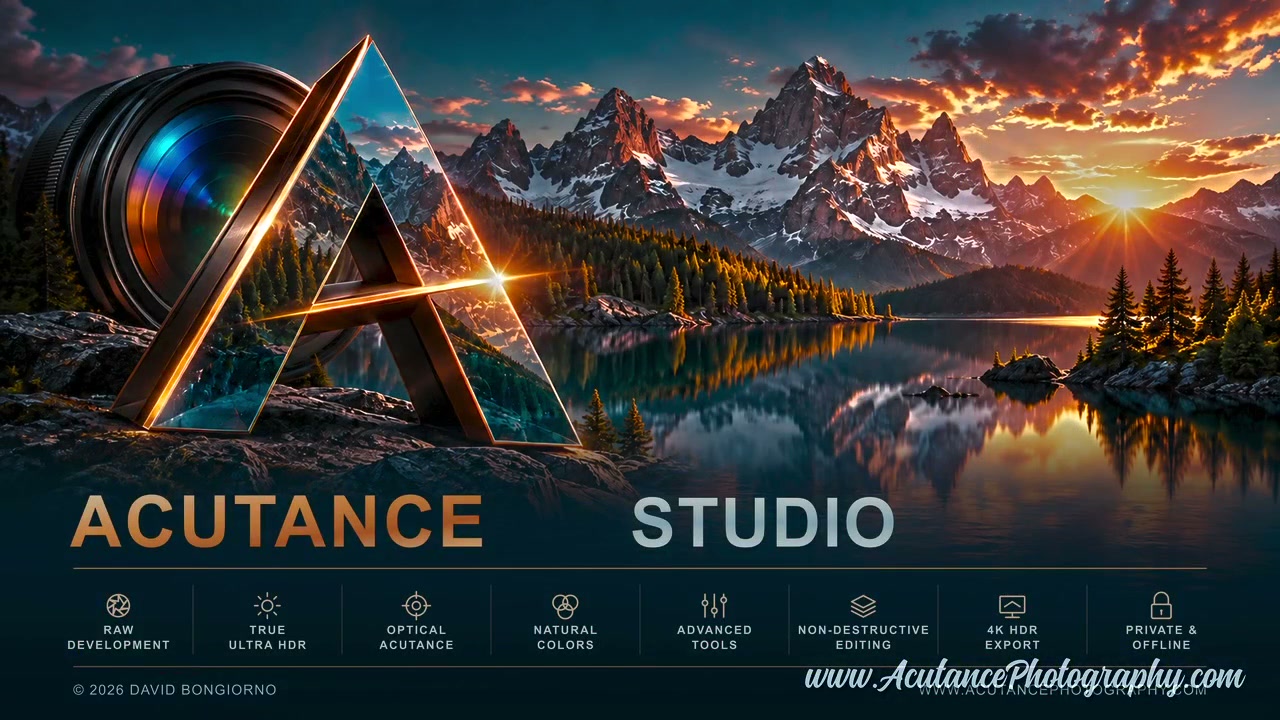
From PC to TV
You do not need an HDR monitor on the computer to create the HDR video: Studio processes the photographs and writes an HDR10 signal into the file. With the built-in upload button, you can publish slideshows directly to your YouTube channel preserving PQ/Rec.2020 HDR metadata.
The demo file
4K HDR103840 × 2160 · 25 fps
AV1 Main · 10 bit · MP4
BT.2020 · PQ / ST 2084
One integrated workflow
Develop RAW files in 32-bit float, apply local AI Denoise, and adjust Ultra HDR gain maps without bracketing.
Choose order, transitions, music and timing. Slides default to eight seconds; zoom starts from the whole frame towards a detected face or the image centre.
Studio produces 4K/8K HDR10 10-bit video. Save to USB or upload directly to your YouTube channel with secure Google OAuth authentication.
AV1 / HDR10
This release exports AV1 video and includes no H.264 or H.265 software encoders. Before creating a long slideshow, test the sample in the player you will use: the panel’s HDR capability and support for the video file are separate requirements.
Format specifications and documentation: AOMedia · AV1 ↗.
On the TV
10-bit AV1 decoding, HDR10 support and a compatible player.
In Studio
AV1 export; no H.264 or H.265 software encoder is bundled.
On the big screen
Download the complete 4K HDR10/AV1 demo, copy it to USB and open it in the TV player. Look for the TV’s HDR indicator: successful playback alone does not prove that HDR is displayed.
Press Play for the full 4K HDR10 slideshow (6:28). HDR playback requires a compatible browser and display.